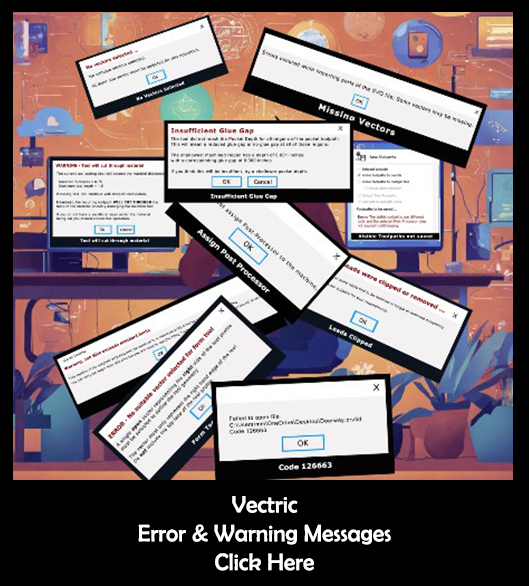
Current list of Error and Warning Messages
Click on title to see more about that message
- Allowance Offset Failed
- Apply Changes
- Cannot Add Draft
- Cannot Clear Trim Objects
- Cannot Create Boundary Vector
- Cannot Create Copy from Visible Model
- Cannot Crop Bitmap
- Cannot Group
- Cannot Keep Overlap Weld
- Cannot Offset Component
- Cannot Offset Vector
- Cannot Reduce Height of Component
- Cannot Replace Below
- Cannot Save Here
- Cannot Scale Z Height of Component
- Cannot Slice Component
- Cannot Smooth
- Cannot Split Components
- Cannot Subtract Weld
- Cannot Ungroup
- Cannot Weld
- Check There is Enough Space
- Check Tool Can Fit
- Code 1
- Code 102
- Code 103
- Code 126663
- Code 3
- Code 506
- Composite Model is Empty
- Config File
- Create Vector Texture Issues
- Delete Sub-Toolpaths
- Depth of Cut
- Empty Boundary Layer
- Encountered an Improper Argument
- Error in Expression
- Failed to import vector data
- File Changed
- Form Tool Error
- Format not implemented
- Ignoring Unsuitable Vectors
- Import Failed / No Model
- Inlay Offset Failed
- Insufficient Glue Gap
- Invalid Cutting Depths Settings
- Invalid Selection
- Invisible Layers
- Job Size Limits
- Large Last Pass
- Material Setup
- Merge Toolpaths
- Missing Vectors
- Multiple decimal dots error
- Nesting Failed to Fit
- Nesting parts may not fit
- No Bitmap Selected
- No Boundary After Offset
- No Changes were made to Trimmed Component
- No Component
- No Data Entered
- No Suitable Parts to Nest
- No Text Selected
- No Toolpaths to Recalculate
- No Vector Selected
- No Visible Components
- No Visible Toolpaths to Preview
- Not Suitable for Embossing
- Plate Production Error
- Prism will be Truncated
- Result of Operation
- Script Error
- Split Component
- Stopped Working
- Too Many Passes
- Tool Database Out of Date
- Tool May Not be Able to Fit
- Tool Will Cut Through
- Toolpath Deletion
- Toolpath Summary
- Visible Toolpath not Saved
- Warning: File contains 3D Model