Click on the button to watch a video on this issue
A downloadable PDF Troubleshooting Card
is available in the description of the video
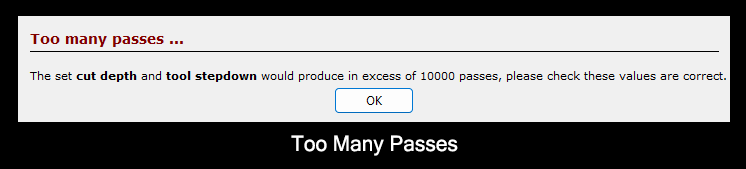
Too Many Passes Warning
Issue
A warning appears indicating that the toolpath will generate an unusually large number of passes.
What This Means
- The tool stepdown or cut depth settings are too small relative to the total material depth
- This can lead to excessive machining time and unnecessary wear on the tool
What to Check
- Verify the Stepdown and Cut Depth values for the selected tool
- Ensure the settings are appropriate for the material and tool size
How to Fix
- Adjust the Stepdown or Cut Depth to reduce the number of passes
- Recalculate the toolpath after making changes
- Confirm the final number of passes is reasonable for the operation
Tip
Smaller step-downs may improve finish quality, but excessively small values can overload the software and extend machining time unnecessarily.