Click on the button to watch a video on this issue
A downloadable PDF Troubleshooting Card
is available in the description of the video
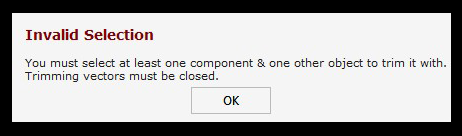
The message “Invalid Selection” in Vectric software (Aspire or VCarve) means that the boundary you have selected to define the trimming area does not intersect with the 3D component you are trying to trim.
For the Clear Component Inside Selected Vectors tool to work, the selected boundary vector(s) must overlap with the component. The software removes the parts of the 3D model that extend beyond the selected vector boundary.