Click on the button to watch a video on this issue
A downloadable PDF Troubleshooting Card
is available in the description of the video
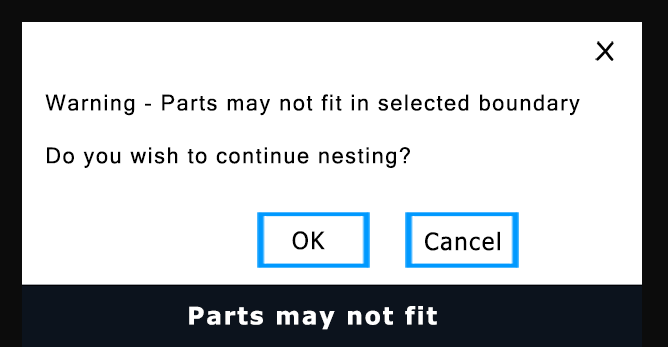
The message “Parts may not fit in selected boundary” in Vectric occurs when the parts you want to nest cannot fit within the defined nesting area, even after rotation or mirroring. This typically happens when the boundary is too small, spacing is too large, or part geometry is complex.
Common Causes
- Boundary Too Small: Nesting area is smaller than the parts or the space required.
- Insufficient Clearance/Tooling: Tool diameter plus clearance is too large for the available space.
- Complex Part Geometry: Shapes with intricate cutouts reduce effective packing area.
- Nesting Settings: Rotation step angle or mirroring options may limit fitting flexibility.
Solutions
- Expand Boundary: Increase the nesting area or use a larger material sheet.
- Reduce Spacing: Lower clearance or border gap values, considering tool size.
- Enable Rotation/Mirroring: Allow parts to rotate or mirror for better placement.
- Adjust Part Size/Quantity: Simplify shapes or reduce the number of parts.
- Preview & Adjust: Use the preview function to identify issues and manually tweak settings.
Tip: Ensuring sufficient boundary space and flexible nesting settings usually resolves this issue.