Click on the button to watch a video on this issue
A downloadable PDF Troubleshooting Card
is available in the description of the video
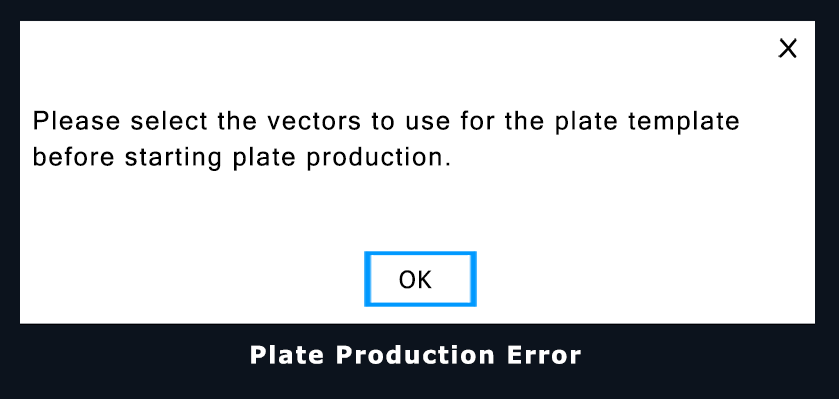
In Vectric’s Plate Production feature, the message “Please select the vectors to use for the plate template before starting the plate production” indicates that no template vectors have been selected.
Before Plate Production can generate multiple plates, you must first create or select the 2D vectors that define the plate template. These vectors establish the plate outline and any areas used for text or graphics.
Basic Workflow
- Create or select the base vector that defines the plate shape (e.g., rectangle, circle, shield).
- Add internal vectors to indicate where variable text or graphics will be placed.
- Select all template vectors in the 2D View.
- Open Plate Production and import your data file (such as a spreadsheet).
- Link data fields to the appropriate text or design elements.
- Generate plates, which creates multiple unique designs based on the template and data.
In short, Vectric requires a selected vector template so it knows what shape to produce and where to place variable information before generating multiple plates.