Click on the button to watch a video on this issue
A downloadable PDF Troubleshooting Card
is available in the description of the video
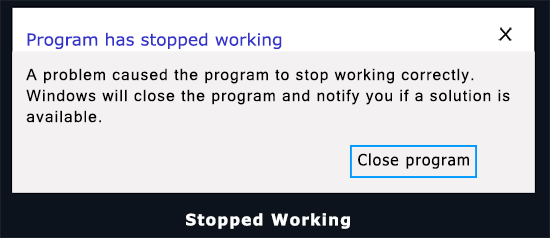
Software Stopped Working
Issue
The software stops responding or crashes unexpectedly.
What This Means
This usually occurs when the program cannot access the resources it needs, encounters conflicts, or runs into errors it cannot recover from. Common causes include insufficient system resources, software conflicts, corrupted files, outdated drivers, or hardware issues.
Common Causes
- Resource Limitations: Not enough RAM, storage, or processing power
- Software Conflicts: Other programs or antivirus software interfering
- Corrupted Files: Damaged program or system files
- Outdated Components: Missing or outdated drivers, DLLs, or system frameworks
- Coding Bugs: Unhandled exceptions or logic errors in the software
- Incompatible Updates: Recent OS, driver, or application updates causing conflicts
- Malware: Viruses or trojans affecting the software
- Hardware Issues: Failing hard drives, faulty memory, or other hardware errors
- Unexpected Inputs: The software encounters unusual or unsupported data
Specific to Vectric Software
- Very small cut depths or stepovers may produce thousands of operations, overloading the software
- Having too many other programs running can limit available resources
- Outdated graphics card drivers can cause crashes or freezes
How to Fix
- Update Drivers: Ensure your graphics card and system drivers are current
- Adjust Toolpath Settings: Increase cut depth or stepover to reduce operations
- Close Other Programs: Free up RAM and CPU for the software
- Check System Resources: Ensure sufficient free disk space and memory
- Repair or Reinstall Software: Fix corrupted program files if necessary
- Run System Checks: Test for hardware issues, malware, or system file corruption
Tip
Prevent crashes by monitoring system load, keeping drivers up to date, and avoiding overly small stepovers or cut depths that create excessive calculations.