Click on the button to watch a video on this issue
A downloadable PDF Troubleshooting Card
is available in the description of the video
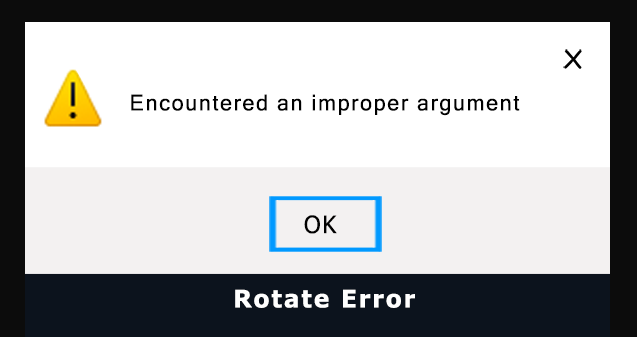
Error: “Improper Argument”
Meaning: Something in your design or settings isn’t compatible with what Vectric expects—invalid instructions, corrupted data, or incompatible inputs.
Common Causes:
- File Names: Spaces, special characters (!, @, #, %), or overly long names.
- Corrupted Design Elements: Bad vectors/components, often from imports or auto-digitizing.
- Settings/Paths: Conflicting software settings, permissions, or installation path issues.
- Data Mismatches: Incompatible units or settings during save/import.
In this case it is because there is nothing selected to rotate.
Quick Fixes:
- Simplify file names (e.g.,
Test.crv) without special characters. - Check vectors/components; delete/redraw or use Vector Doctor.
- Test a new blank file—if it works, the issue is in the original design.
- Ensure full Read/Write access to project folders.
- Repair or reinstall Vectric software if needed.
- Contact Vectric Support with the file if the problem persists.