Click on the button to watch a video on this issue
A downloadable PDF Troubleshooting Card
is available in the description of the vide
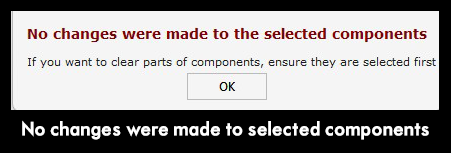
No Changes Were Made to the Selected Components
This error occurs when the selected component is not positioned inside a closed vector. Using “Clear area of selected component inside selected vector” will fail if the component or 3D model is outside the vector boundary.
Solution: Ensure that the component or 3D model is fully contained within a closed vector before applying this operation.