Click on the button to watch a video on this issue
A downloadable PDF Troubleshooting Card
is available in the description of the video
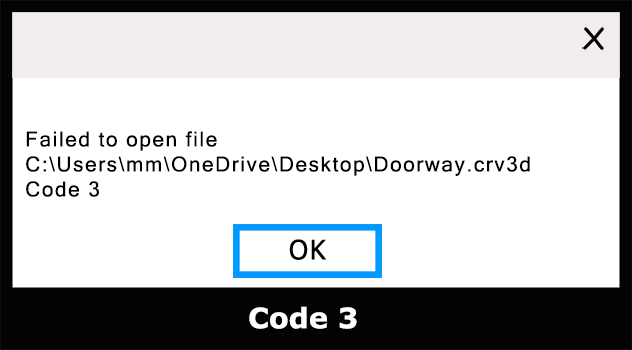
Error Code 3 Overview
Error code 3 can occur in different contexts (software applications, operating systems, or devices), and its meaning may vary. Most commonly, it indicates a “path not found” problem or an issue related to device access or installation.
Common Causes:
- Incorrect or missing file path.
- Device not properly connected or recognized.
- Corrupted or incomplete installation.
- Insufficient system resources or memory.
- Outdated drivers or software.
Troubleshooting Steps:
Reinstall if Needed – If the problem persists, consider reinstalling the application or software.
Check File Paths – Make sure all file paths referenced by the software are correct and accessible.
Verify Device Connections – Ensure all devices are properly connected and recognized by your system.
Update Drivers/Software – Install the latest drivers and software updates.
Restart – Close the application and restart your computer to refresh system resources.
Check System Resources – Ensure there is enough memory, disk space, and CPU availability.