Click on the button to watch a video on this issue
A downloadable PDF Troubleshooting Card
is available in the description of the video
Toolpath Deletion Warning
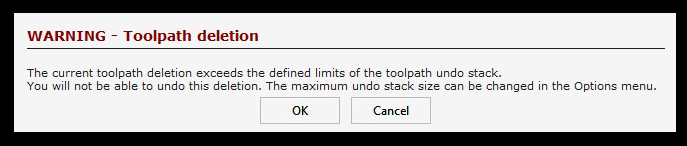
The warning appears because the memory allocated for toolpath undo operations has reached its limit. When this happens, older undo steps will be discarded.
If you encounter this warning often, consider increasing the undo memory allocation. You can do this by going to Edit > Options and adjusting the Maximum Toolpath Undo Stack Size setting.