Click on the button to watch a video on this issue
A downloadable PDF Troubleshooting Card
is available in the description of the video
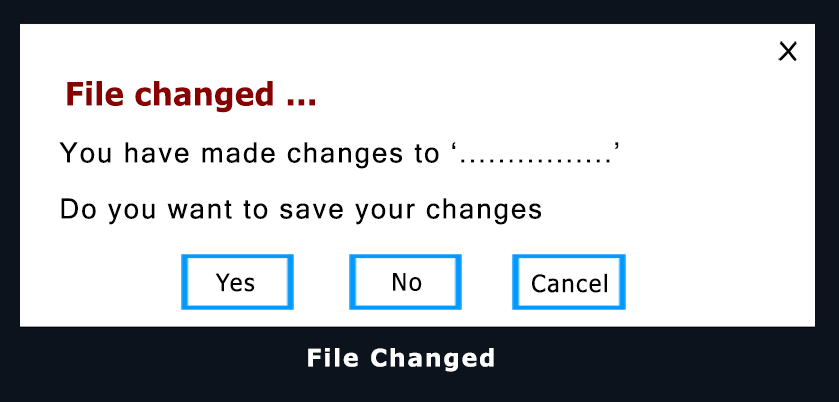
he “File Changed” message in Vectric software (VCarve, Aspire) appears when the open project has been modified since it was last saved. It serves as a reminder to prevent accidental data loss.
- To Save Changes: Use File > Save to keep your edits.
- To Preserve the Original: Use File > Save As… (or Increment and Save) to create a new version while keeping the original file intact.
- Purpose: Ensures you don’t lose recent work if you close the software or open another file.