Click on the button to watch a video on this issue
A downloadable PDF Troubleshooting Card
is available in the description of the video
This is for Version 8.022
Message from Vectric
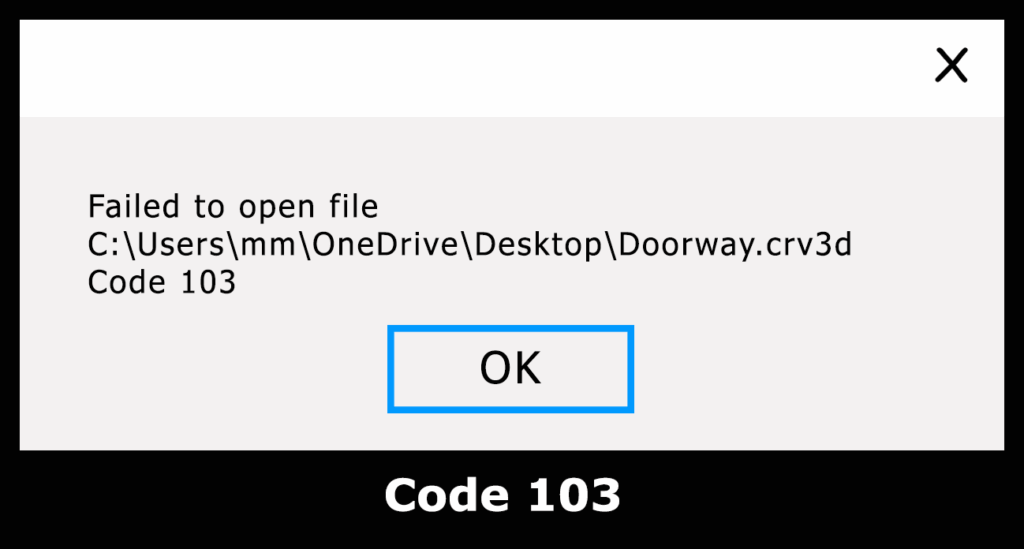
“Unfortunately we have a problem with the recent update to V8.022 being unable to read back some files which contain tabs on profile toolpaths – the program displays a ‘103’ error when you attempt to re-open the file. We are currently working on a fix for this, and hope to be able to release a new version on Monday to cure the issue. The new version will be able to read the files currently giving the 103 error.
We have removed V8.022 from the check for updates system, but in the meantime for users who have already updated to V8.022, if you turn off the creation of 2D previews for toolpaths you can continue working with V8.022 (but you will not be able to open currently broken files until the new version is released). To do this, follow these steps …
1) Click on ‘Edit’ in the top menu bar
2) Click on ‘Options’ in the drop down menu – the ‘Program Options’ dialog will open.
3) In the ‘Toolpath Settings’ section of the ‘Program Options’ dialog, click on ‘Create 2D Previews’ and select ‘No’ from the drop down list.
Once we have released an updated version you will be able to re-enable this option.”
As of the current version (12.506) there dose not appear to be an issue with the 103 Code