Click on the button to watch a video on this issue
A downloadable PDF Troubleshooting Card
is available in the description of the video
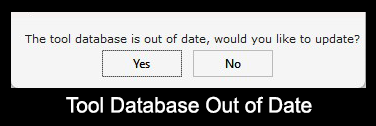
Tool Database Out of Date.
This indicate that you are using an older version of the Tool database which may lead to errors or incorrect toolpaths.
This could be cause by not updating the database when using two computers that are linked to the Vectric Portal.
How to Address It
The primary solution is to update the database.
Download the latest Tool database from the Vectric Portal.
Restart the software after an update to ensure changes take effect.
If the problem persists, you may need to contact Vectric support directly (support@vectric.com) for specific troubleshooting steps, such as downloading the latest database file directly or running a repair utility.