Click on the button to watch a video on this issue
A downloadable PDF Troubleshooting Card
is available in the description of the video
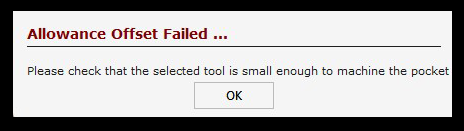
This option determines how much material is left or removed around the edge of a pocket.
- A positive value leaves a thin wall of material around the pocket, with the wall thickness matching the value entered.
- A negative value removes extra material, effectively increasing the pocket size.
- The value is applied evenly to all sides of the pocket.
Be sure to verify the size of the bit you are using, or adjust the offset value as needed.