Click on the button to watch a video on this issue
A downloadable PDF Troubleshooting Card
is available in the description of the video
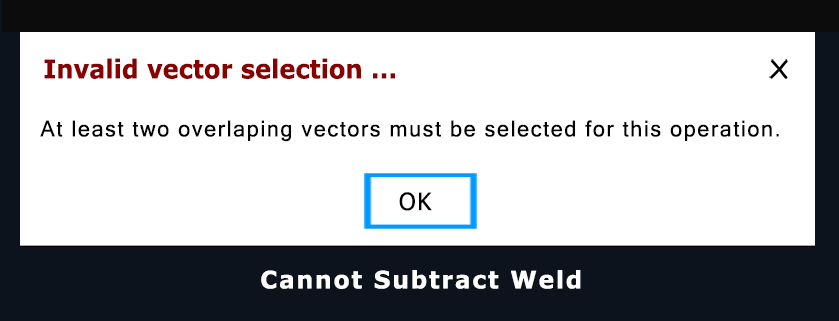
The message “cannot keep subtract weld” in Vectric software (often a misremembered or generalized wording related to Weld, Subtract, or Overlap failures) indicates that the software cannot complete the requested Boolean vector operation due to a problem with the selected vectors. Most commonly, this occurs because one or more of the vectors are not fully closed. Boolean operations require closed shapes so the software can correctly determine inside and outside areas.
Another frequent cause is problematic geometry, especially in vectors imported from other programs such as DXF or SVG files. These files may contain duplicate lines, self-intersections, or overly complex node structures that prevent Vectric from calculating a clean result. In some cases, the selection order—particularly when using the Subtract tool—can also cause the operation to fail, as the last selected vector is treated as the subtracting shape. Additionally, if the selected vectors do not overlap sufficiently, Vectric may be unable to generate a valid new boundary.
To resolve the issue, verify that all vectors are fully closed using the Vector Validator or Node Editing tools, simplify or clean imported geometry, confirm the correct selection order when subtracting, and ensure that the vectors overlap in a way that allows a clear new perimeter to be created.