Click on the button to watch a video on this issue
A downloadable PDF Troubleshooting Card
is available in the description of the video
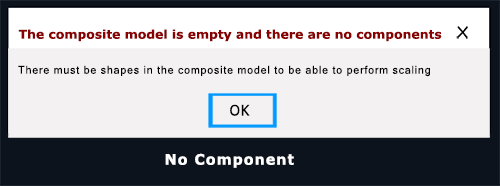
No Component / Model Is Empty
Issue
The No Component / Model Is Empty error appears when using the Embossing or Scale Z-Height tools in the Modeling Tool section.
What This Means
- A 3D component or shape must exist in the Composite Model for these tools to work.
- Without a 3D model, the software cannot perform the operation.
Availability
- Aspire: Both Embossing and Scale Z-Height are available
- V-Carve Pro / V-Carve Desktop: Only Scale Z-Height is available
- Cut2D: Neither function is available
What to Check
- Ensure your Composite Model contains at least one 3D component
- Confirm you are using the correct software version for the desired tool
How to Fix
- Add or import a 3D model/component into the Composite Model
- Select the model before applying Embossing or Scale Z-Height
- Retry the operation
Tip
These tools only work with 3D geometry—2D vectors or empty models will trigger this error.