Click on the button to watch a video on this issue
A downloadable PDF Troubleshooting Card
is available in the description of the video
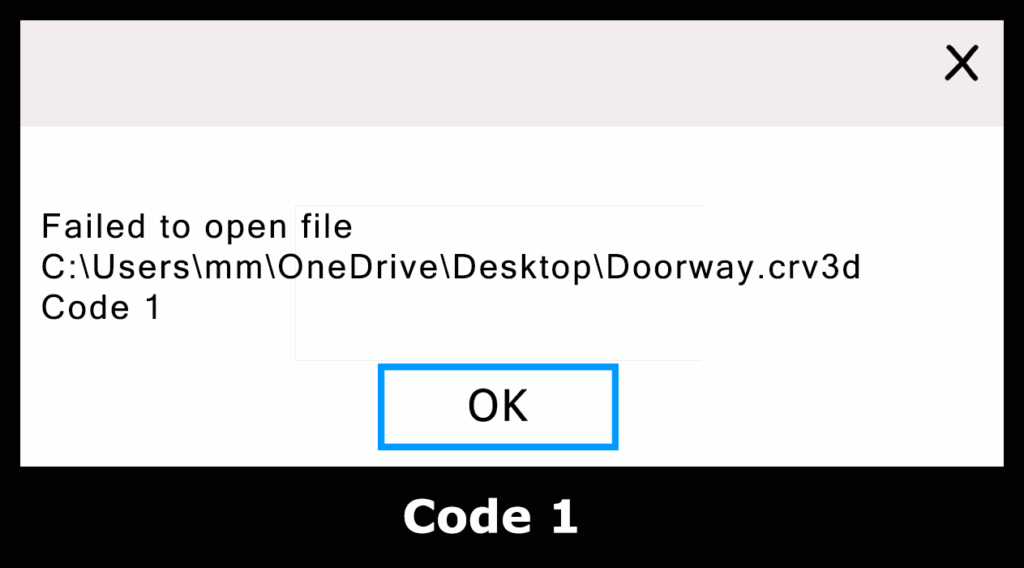
Code 1 – “Failed to Open File”
Explanation
A Code 1 “Failed to Open File” message can occur for several reasons:
- File Replication in Progress:
If you attempt to open a file while it is still being synced by a cloud-based service—such as Dropbox, Google Drive, or OneDrive—the file may be temporarily unavailable.
Larger files (big toolpaths, multiple models, etc.) take longer to upload and are more likely to trigger this error. - Not a Vectric-Specific Issue:
This behavior can occur with any file being synced externally, not just Vectric projects. - Possible Hard Drive Issues:
In some cases, a failing or damaged drive can also cause read/write problems. It’s a good idea to run a disk-error check if this error appears frequently.
Solution
To avoid Code 1 errors, do not save your project directly into a folder that is linked to a cloud-sync service.
Instead, save your files locally and only move or copy them to a replicated folder after you are finished working.