Click on the button to watch a video on this issue
A downloadable PDF Troubleshooting Card
is available in the description of the video
No Boundary Offset
Issue
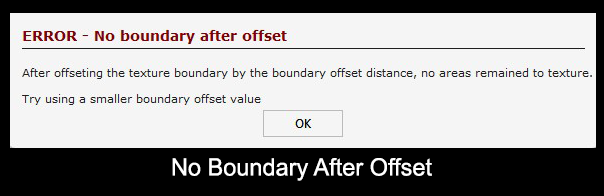
The No Boundary Offset error appears when creating a Texture Toolpath.
What This Means
The Offset Allowance is set too large, leaving no remaining areas of the workpiece for the texture toolpath to operate.
What to Check
- Verify the Offset Allowance value in the Texture Toolpath settings
- Ensure there is enough material area left for texturing
- Check for tight boundaries or small features that may be fully removed by the offset
How to Fix
- Reduce the Offset Allowance to leave enough material for texturing
- Adjust the vector boundaries or area to be textured
- Recalculate the toolpath after making changes
Tip
The texture toolpath requires remaining material to cut. If the offset removes all material, the toolpath cannot be generated.