Click on the button to watch a video on this issue
A downloadable PDF Troubleshooting Card
is available in the description of the video
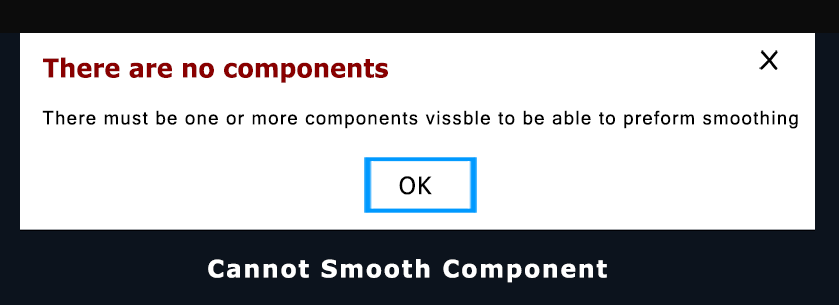
In Vectric software, the message “cannot smooth” typically indicates a geometrical or computational limitation preventing the software from applying a smoothing function (like creating a Continuous Vertical (CV) toolpath, or similar features) to a specific toolpath or object.
This usually happens when:
- The geometry is too complex or has sharp corners/sudden changes that the software’s smoothing algorithm cannot resolve into a continuous, flowing path without compromising the model’s integrity or creating non-manifold surfaces.
- Physical machine constraints are a factor. The software may determine that the intended smoothing, which involves maintaining a consistent tool speed around corners (CV machining), is not possible due to the machine controller’s acceleration/deceleration settings or physical limitations, which are often defined in the post-processor.
- The path is invalid for the specific operation. For example, an internal point in a lathe operation might be lower than the ‘floor’ set point, causing a conflict the software cannot automatically smooth over.
In essence, the software is flagging that it cannot generate a desirable, smooth toolpath under the current constraints and settings. You would need to modify the design geometry, adjust the toolpath parameters, or check your machine profile settings to resolve the issue.