Click on the button to watch a video on this issue
A downloadable PDF Troubleshooting Card
is available in the description of the video
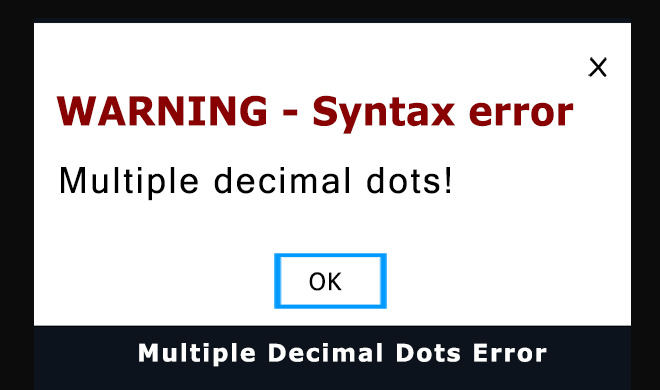
The “Multiple decimal dots” error appears when Vectric software encounters numbers using the wrong decimal separator.
This usually happens when Windows is set to use a comma ( , ) instead of a period ( . ) as the decimal symbol.
Vectric and G-code both require a period as the decimal marker.
EXAMPLE: “3mm=” will result in a “Multiple Decimal Dots” error message
To resolve this, recheck your values to ensure they use a single period ( . ) as the decimal marker and remove any commas or extra characters.