Click on the button to watch a video on this issue
A downloadable PDF Troubleshooting Card
is available in the description of the video
Code 102 Overview
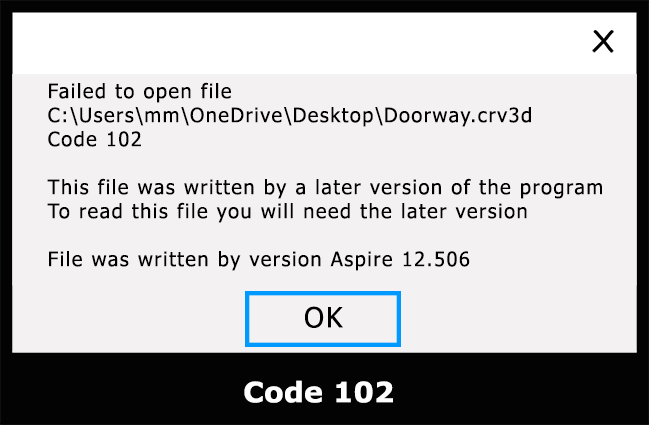
This error occurs when a file you are trying to open was created or saved in a newer version of the software than the one you are currently using. Older versions may not recognize new features or file structures, so the file cannot be opened.
Common Causes:
- File created in a newer version of the program.
- Attempting to open the file in an outdated or incompatible version.
- File may have been updated or modified in a way that older versions don’t support.
Troubleshooting Steps:
- Check Version Compatibility – Confirm the version of the software that created the file.
- Update Your Software – Install the latest version of the program to match or exceed the version used to create the file.
- Request Compatible File – If possible, ask the file creator to save it in a format compatible with your version. Some programs allow saving as “legacy” or “backward-compatible” formats.
- Use Conversion Tools – Some applications provide tools to convert newer files to older formats. Check the software’s official documentation.