Click on the button to watch a video on this issue
A downloadable PDF Troubleshooting Card
is available in the description of the video
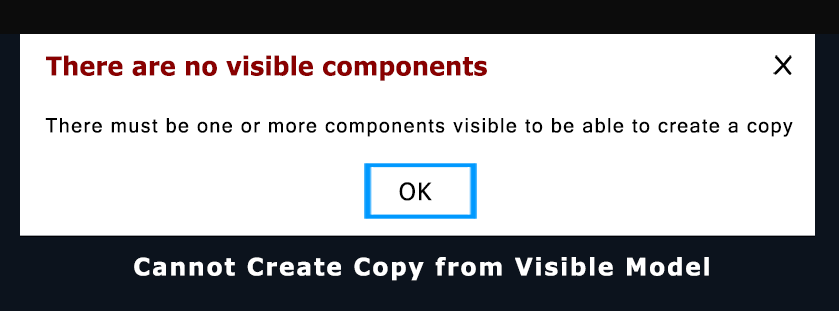
Error Message
Cannot Create a Copy from Visible Models
Description
This message appears when using Create Component from Visible Model and no valid 3D data is available to copy. The tool creates a single, merged component from all currently visible 3D components in the project.
Common Causes
- No 3D components are visible in the Component Tree
- No 3D models have been created or imported
- Feature not available in the current software version or product
Recommended Fixes
- Turn on visibility for at least one 3D component in the Component Tree
- Import or create a 3D model (STL, OBJ, 3DS, etc.) before using the tool
- Verify your software version supports this feature (Aspire or newer releases)
Once valid 3D components are visible, the tool will create a single combined component for easier editing or sculpting.